

How to Fact-Check AI Output When You Don’t Know the Work
AI can produce a polished report in seconds. But how do you know it’s right when the work is new to you? Here are five practical checks that go beyond AI fact checking.
Read the post →Journal / HowtoAI
The AI how-to series we have run in Japanese on multifverse.com since 2024. With our company now named ATATAKAI Digital, it continues from October 2026 as one category of this journal. Thank you for reading.
HikariStart with whichever AI tool you're curious about. We publish each post once we've checked it again.

AI can produce a polished report in seconds. But how do you know it’s right when the work is new to you? Here are five practical checks that go beyond AI fact checking.
Read the post →
A two-step way to prepare a business email with AI. Start with one meeting-confirmation email, then go one step further with a reply to a customer inquiry. It includes prompts you can copy, fictional examples and a check list for before you send.
Read the post →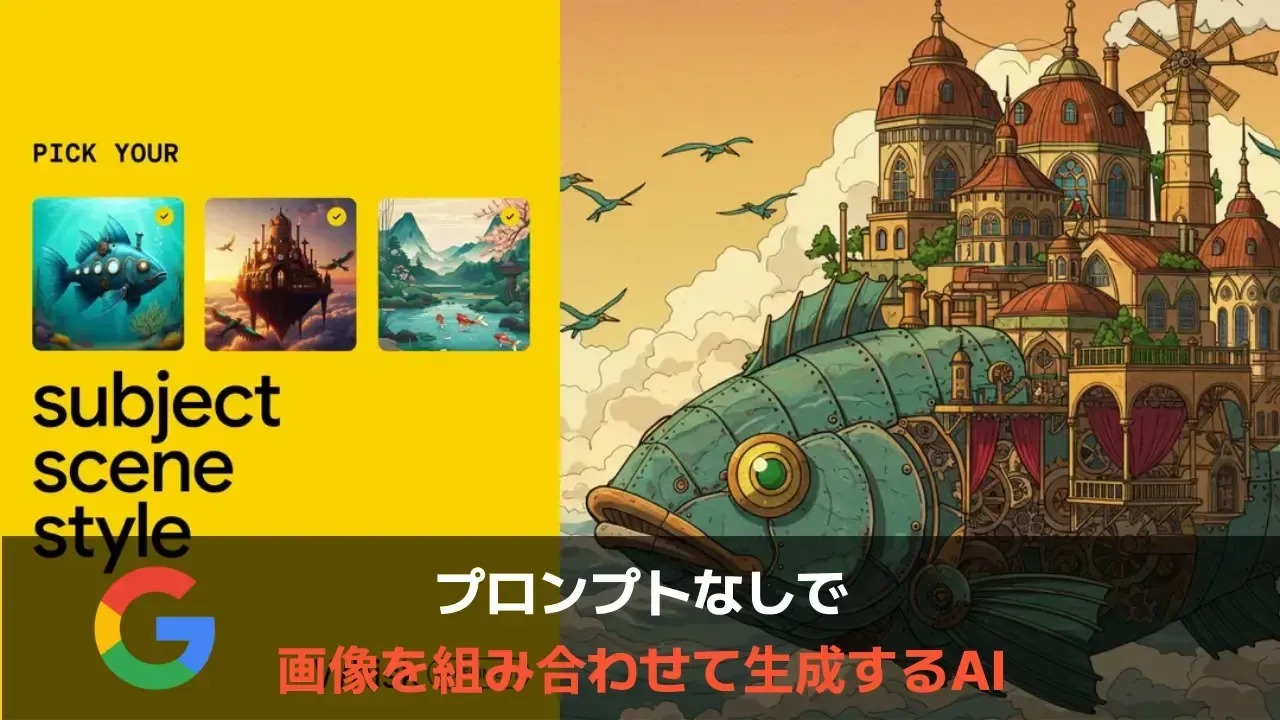
We rewrote our guide to Google Whisk now that the tool has ended. Whisk shut down on April 30, 2026, and its features moved to Google Flow. What happened, what our original article got right and wrong, and how to combine images in Flow now, with notes on rights.
Read the post →
How to use Suno's Covers feature under today's rules. We go through the steps in v6, pricing and download limits, and what the rights rules mean when you use a cover for work.
Read the post →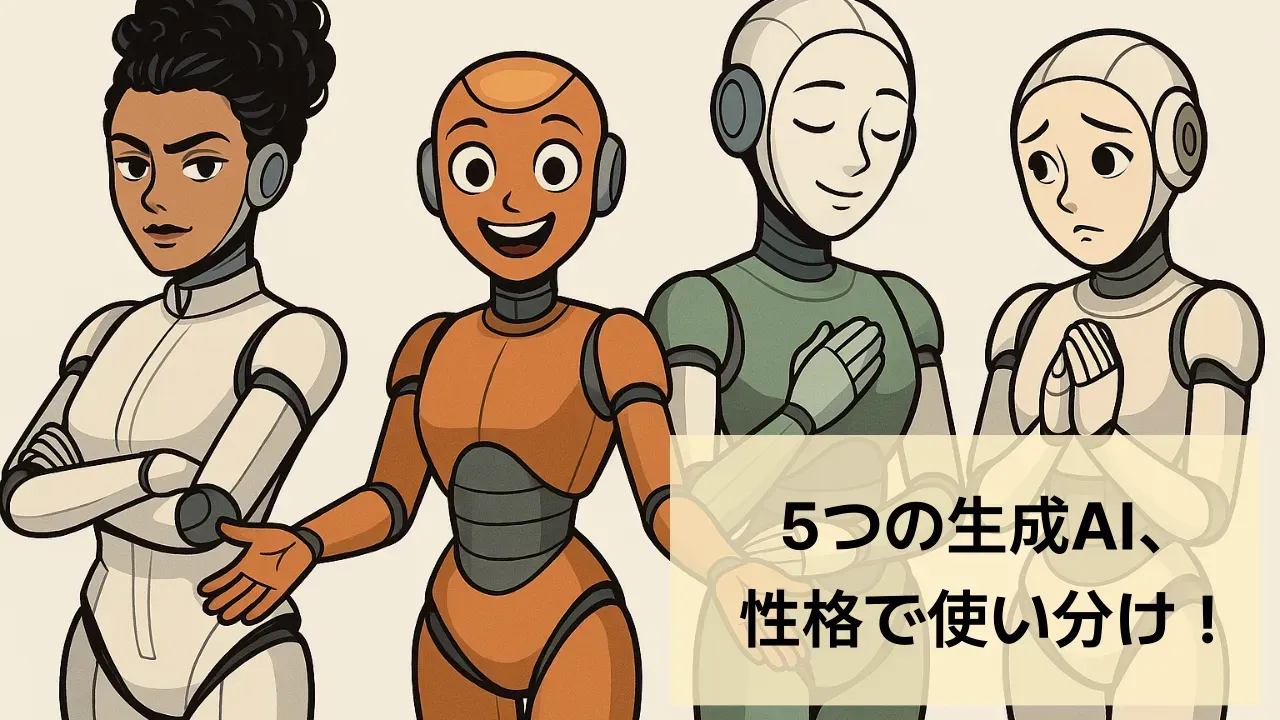
We compared ChatGPT, Gemini, Copilot, Perplexity and DeepSeek again, as they are today. How to read the DISC personality comparison from our earlier article, what each AI is good for now, how to set the tone yourself, and what to check before using them at work.
Read the post →
ImageFX, Google's free AI image generator, has been folded into Google Flow along with Whisk and no longer runs on its own. We check our 2024 how-to against today, show how to find the images you made, and explain how to make images in Flow now, with notes on plans, prices and rights.
Read the post →
ChatGPT now makes images with ChatGPT Images 2.5. How to create images in chat, how to edit part of an image, what the free and paid plans include, and what to watch for with commercial use and copyright. We also look at what happened to DALL·E.
Read the post →
What you can do with free Microsoft Copilot today. How to get started, how to use it in Edge, how it compares with the US Microsoft 365 plans, and the terms and privacy points to check before using it for work. We also check how our 2024 article, written in Japanese, holds up.
Read the post →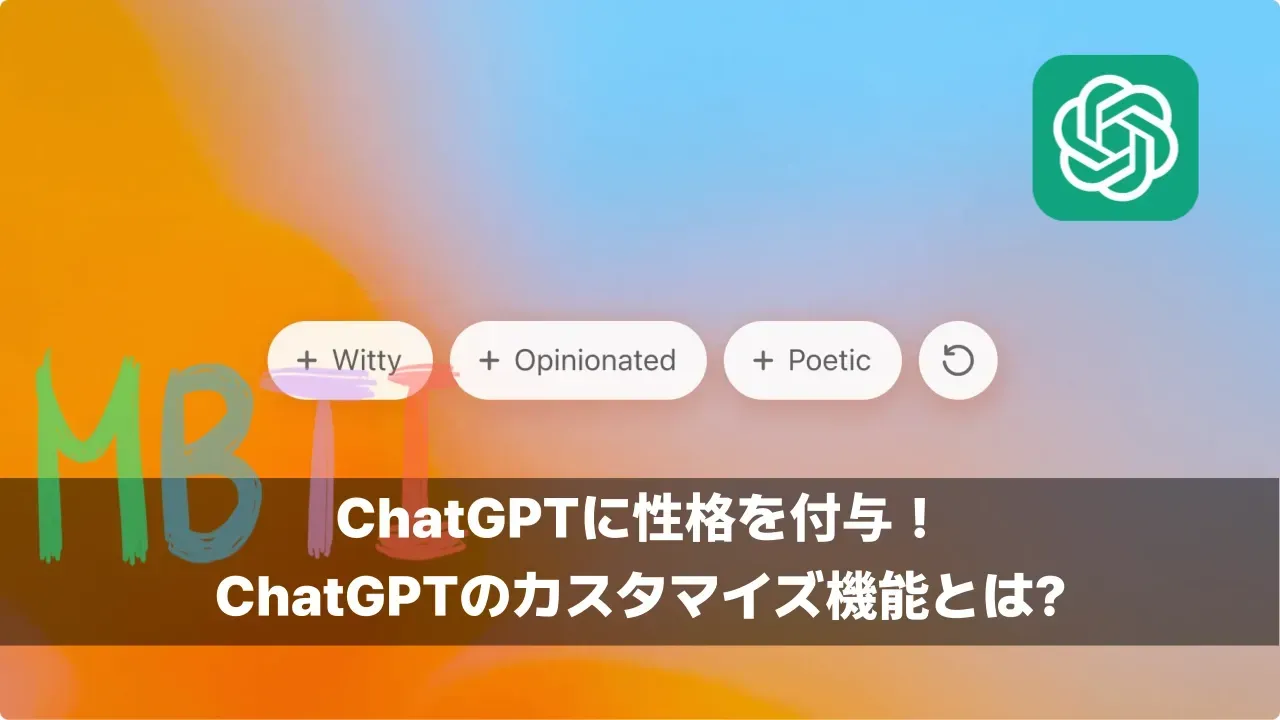
ChatGPT's customization features look and work very differently than when they first appeared. Here is how to pick a personality (base style and tone), write custom instructions for work, and check or delete what ChatGPT remembers, based on today's screens.
Read the post →
We rewrote our guide to the AI music generators Suno and Udio for how they work now. Suno's free plan no longer lets you download songs, and Udio has stopped downloads altogether. How to get started, what the plans cost, and what to watch for with commercial use and rights.
Read the post →
A guide to Kling AI, the video generator from China's Kuaishou, updated for the new Kling 4.0 model. It covers signing up, making your first video, free credits and paid plans, and what to check on commercial use, rights and data. We also look back at what our 2024 article got right.
Read the post →
We rewrote our guide to using Google MusicFX. MusicFX shut down on July 31, 2026, and Google Flow Music has taken its place. What our original article got right and wrong, how to start with Flow Music, what it costs, and what to check about rights before using it for work.
Read the post →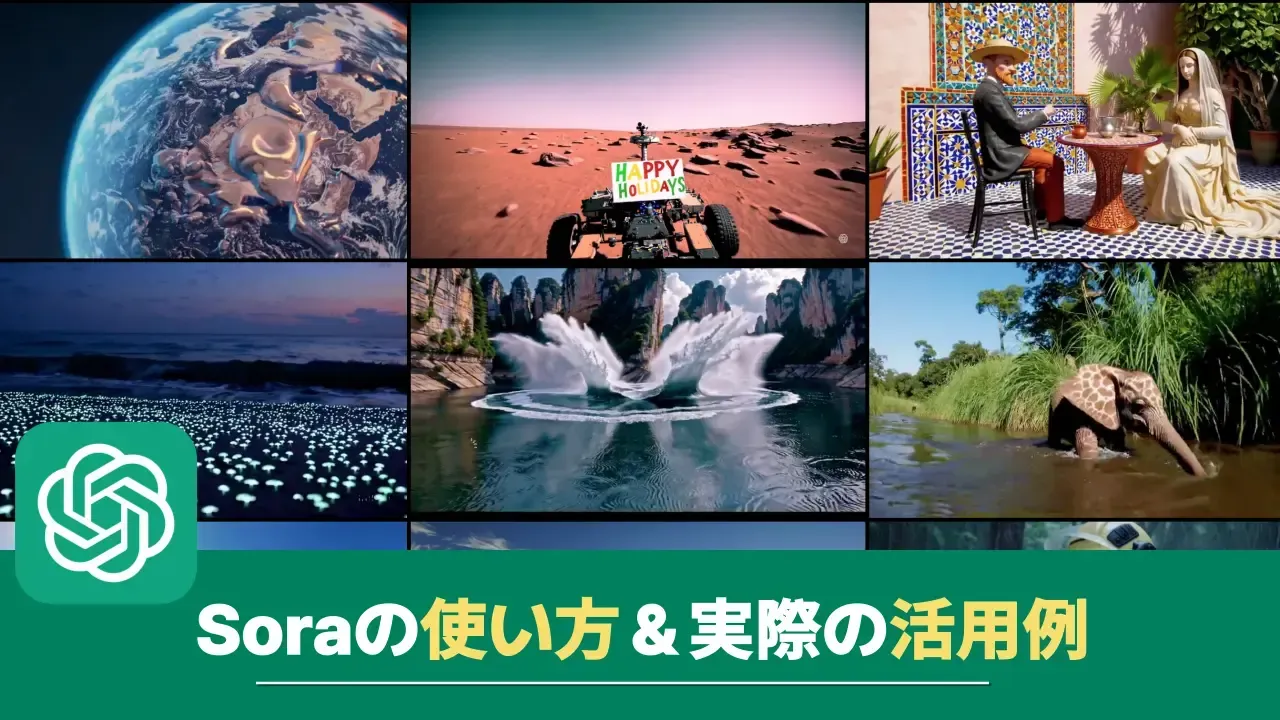
We rewrote our guide to using Sora now that the service has ended. Sora's apps and website shut down in April 2026. What happened, what our original article got right and wrong, and how to make short AI videos now.
Read the post →Tools come and go. We help you work out where AI actually pays off in your business, and what you should keep in your own hands.
Talk to us
This site is still being polished. Spot something? Tell us — we’ll fix it and send a small thank-you gift.