
Admin dashboard
Japanese 管理画面
The administrator screen used to configure a website or server. During the PHP2Shell emergency maintenance, some hosting companies' admin screens were briefly unavailable.
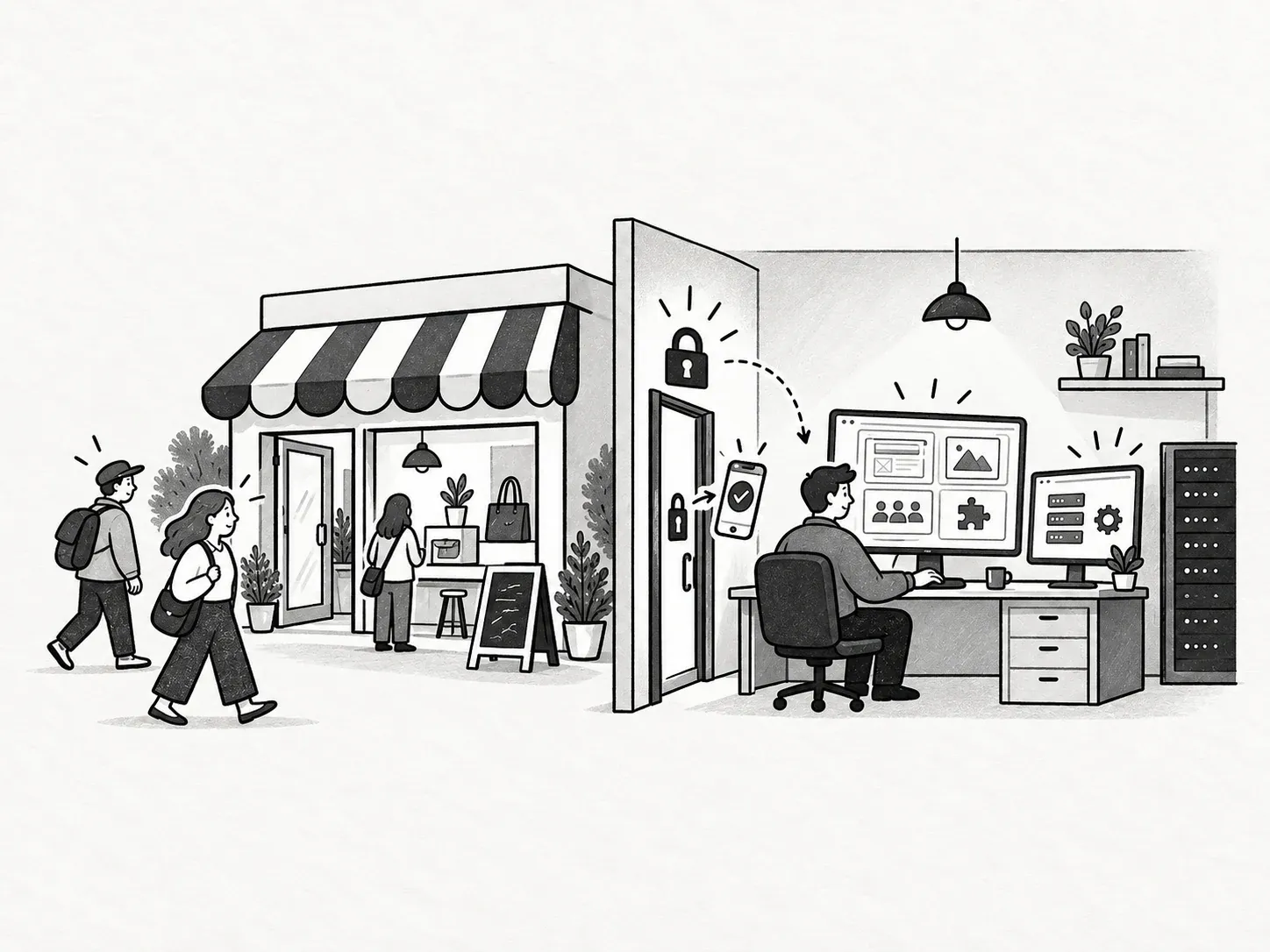
An admin dashboard is a settings screen that visitors never see; only the site owner or the person in charge logs in to use it. There are two main kinds: the WordPress dashboard, where you change posts and design, and the control panel your hosting company provides for your contract and server settings. In a shop, they are the back office and the building manager's room that customers never enter. Important jobs such as changing the PHP version or taking backups are mostly done here.
Watch out Anyone who gets into the dashboard can change the site however they like, so use a login password you do not use anywhere else, and if there is an option to confirm each login a second time on your phone (two-step verification), turn it on. As happened during the PHP2Shell emergency maintenance, a hosting company's control panel can sometimes stop for a while. If that happens, do not rush to change settings again and again; first check the maintenance status on the hosting company's notice page.
Source: WordPress.org, “Administration Screens” · Xserver, “Notice of temporary suspension of the official site and admin screens as a preventive safety measure” (checked 2026-10-26)
Pages that use this term
- One email platform was breached, and 12.23 million users of six internet providers were hit together/en/blog/kddi-isp-mail-breach-en
- Three holes in one company, plus old data that was kept instead of deleted/en/blog/skyticket-breach-en
- A cloud PC service for FX auto-trading was breached, and funds were moved out of customers' trading accounts — the GMO Internet hack/en/blog/gmo-desktop-cloud-breach-en