
Admin account
Japanese 管理者アカウント
A user with permission to change everything on the site. If an administrator you have never seen appears, you should suspect an intrusion.
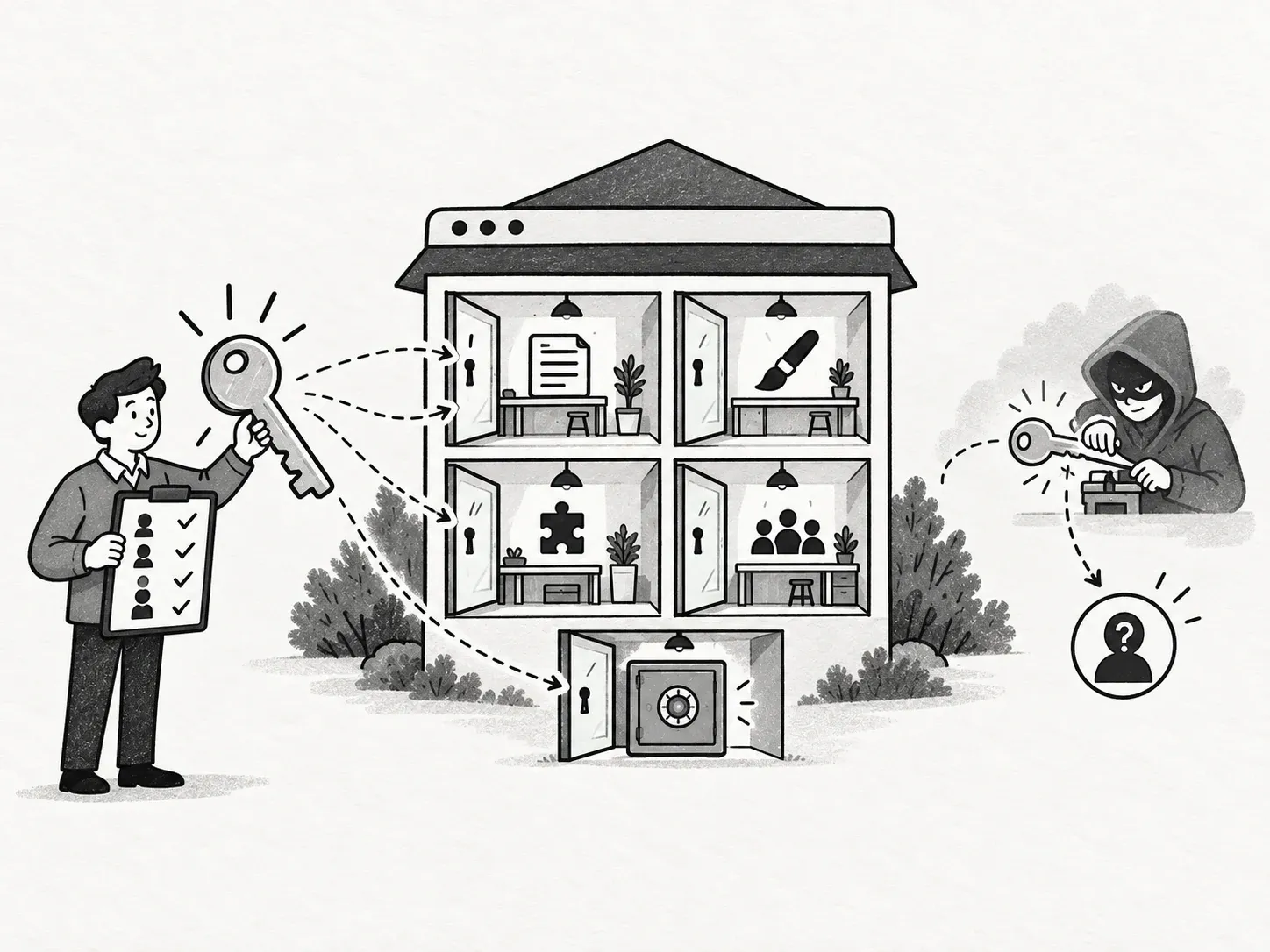
An admin account is a user who can do everything on a site such as WordPress: not just write posts, but change the design, install plugins, and add or remove other users. In a shop, it is the person holding the keys to the safe and to every room. That is why an attacker who gets in will often quietly create an admin account of their own. The more administrators there are, the more copies of the master key are going around, and the harder the site is to protect.
Watch out Every so often, open the user list in the WordPress dashboard and check who has the Administrator role. If you see a name you do not recognize, rather than deleting it at once, note the name and email address and ask your hosting company or web agency to check with you whether someone broke in. In everyday use, give each person their own account and give administrator rights only to those who truly need them. Also check that no accounts remain for staff who have left or for agencies whose contracts have ended.
Source: WordPress.org, “Roles and Capabilities” · JPCERT/CC, “Advisory on multiple PHP vulnerabilities (CVE-2026-109618, CVE-2026-109619)” (checked 2026-10-26)